Small browser tools that do one job well
TidyKit makes Chrome extensions for everyday data chores. Each one runs on your computer and needs no account.
Extensions

Table to Excel
Copy HTML tables to Excel or Google Sheets. Fill merged cells and remove numeric footnote marks before export.
Table to Excel works in Chrome on a computer. Email yourself the link
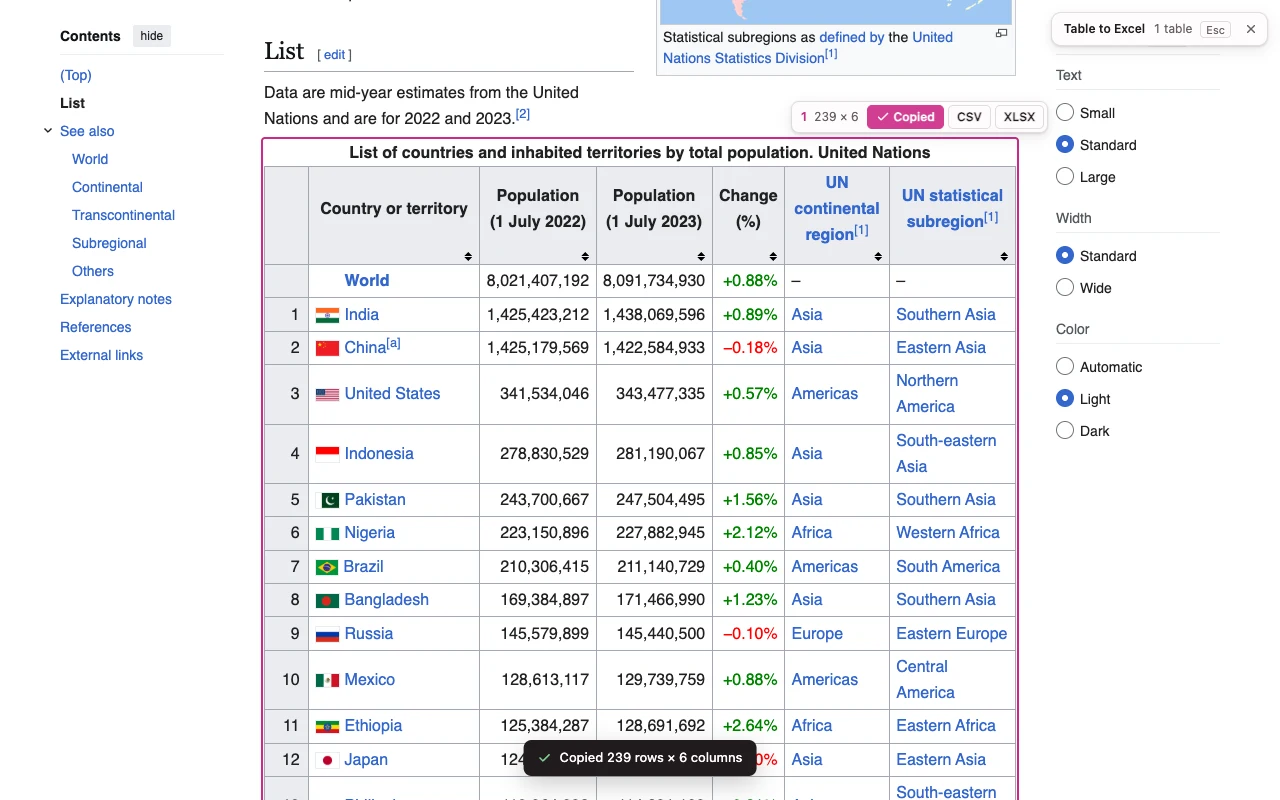

Image to Text
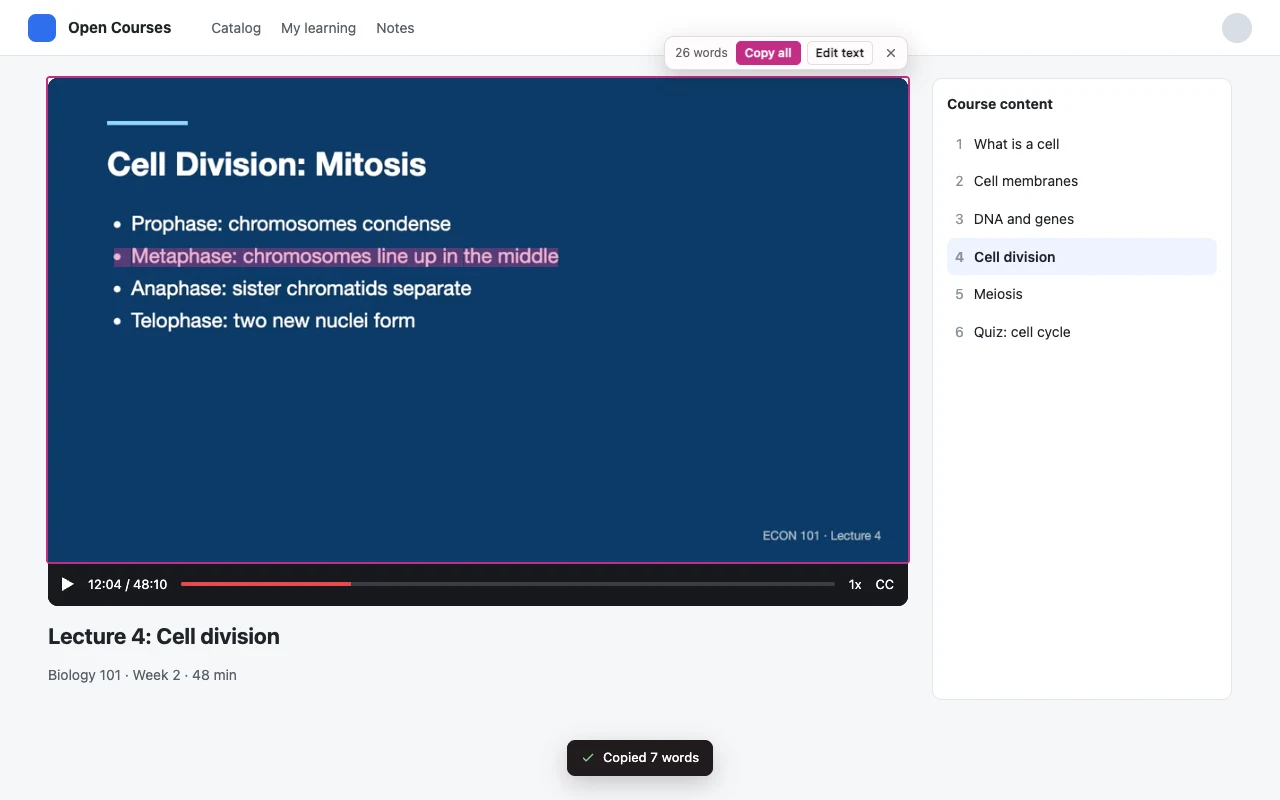
Copy text from pictures, paused videos, scanned PDFs and screenshots. Tables go to Excel by columns, code keeps its indentation.
Make the copied data usable
Practical fixes for the steps between a web page and your spreadsheet.
Get the table
Website to spreadsheet
Copy and paste, web imports, code or an extension: choose a method for your page.
Compare five methods → Keep the IDsZeros and long codes
Keep 00127 as 00127. Check text types before Excel changes a code.
Protect your identifiers → Use the numbersAmounts stored as text
Check decimal separators and citation marks before converting a column.
Fix the number column →